Headscale Private Network
Setup & Operations Guide
An end-to-end guide to fully eliminating dependence on the Tailscale SaaS cloud and the Tailworm security vulnerability, using a self-hosted open-source control server (Headscale) to connect 4 multi-OS machines over 100% encrypted P2P.
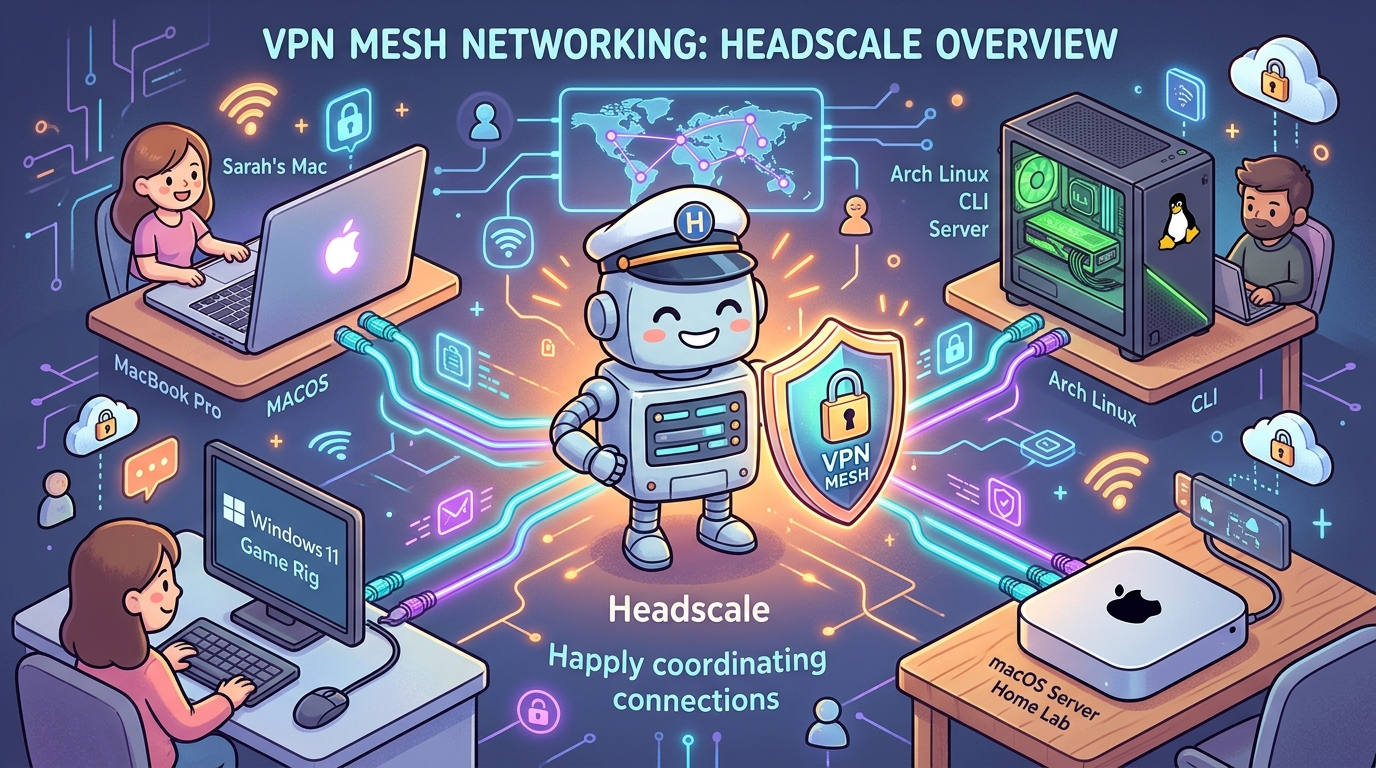
Why a Headscale Private Network Instead of the Official SaaS?
4 key reasons: removing security risks and taking full control
Block the Tailworm Vulnerability at the Source
Fully independent of the Tailscale SSH socket/port-forwarding privilege-escalation vulnerability (Tailworm) and the constraints of central SaaS authentication, you control 100% of your security policy directly on your own isolated control server.
Ultra-Low-Latency Direct WireGuard P2P
The control server only coordinates the initial node key exchange; actual traffic flows directly between machines, encrypted with WireGuard. With no external relay server in the path, latency is just 1~13ms.
Working Around Cloudflare's Limits (ngrok Tunnel)
Cloudflare strips the WebSockets Upgrade header from Tailscale's POST /ts2021, causing 500 errors. An ngrok HTTPS tunnel, which passes WebSockets through intact, provides external connectivity without router port forwarding.
Easy Multi-Profile Account Switching
Registered with --nickname headscale, with no need to reinstall the client, you can switch freely to and from your official account with the tailscale switch command or a single click in the tray menu.
Headscale P2P Network Topology
The central server only relays authentication; the 4 devices talk to each other directly in a full mesh.
Ultra-Low-Latency Verified: Real P2P Ping Comparison
High-speed direct connections up to 120x faster than external cloud VPNs
Measured network latency comparison (ms, lower is better)
Live Status of the 4 Connected Nodes
All machines are online in the 100.64.0.0/10 range.
MacBook Pro
macOS (local workstation)
100.64.0.1martin-B650M-K
Ubuntu 24.04 (Headscale host)
100.64.0.2NucBoxG3
Windows 11 (mini PC)
100.64.0.3hongsw's Mac mini
macOS (remote server)
100.64.0.4Essential Operations & Diagnostics Commands
Commands for status checks, P2P connectivity tests, and profile switching
tailscale statustailscale ping 100.64.0.2 # Linux server (5ms)
tailscale ping 100.64.0.3 # Windows PC (1ms)
tailscale ping 100.64.0.4 # Mac mini (13ms)# Run on the Linux host
docker exec headscale headscale nodes listtailscale switch --list # Show currently registered accounts
tailscale switch headscale # Switch to the Headscale private networkAuth Key Expiry and How Permanent Registration Works
Why don't already-registered devices disconnect after the 90-day expiry?
The 4 Registered Devices = Kept Permanently
A pre-auth key is a one-time ticket that establishes trust with the server when a device is first registered.
On registration, the server and device permanently exchange an individual NodeKey, and under the server's Expiration: N/A (no expiry) policy the connection stays up permanently without re-authentication, even after 90 days.
What 90 Days Means = The Window for Registering New Devices
The auth key's 90-day validity means "the period during which new devices can be registered with this key."
Only when you later add a 5th PC or smartphone do you need to issue a new key on the server (it takes a second) and register it:
docker exec headscale headscale preauthkeys create --user 1 --reusable --expiration 90d