
← Use Cases
Direct every OS
Direct every OS
from a single Mac
No more connecting to your Windows build box, Linux server and GPU trainer one by one. Tell Claude, and the right computers work at the same time.

Developers
If this sounds familiar
- You log into every build environmentFor Windows builds, Linux deploys and GPU experiments, you open several windows and hop between them over SSH.
- Your servers sit idleClaude Code only works on your Mac, while your powerful servers are mostly resting.
- Every OS has different commandsDifferences in shells, paths and encodings mean you maintain scripts separately for each OS.
At a glance
Scattered computers working as one team
You work alone, your computers work as a team
Even if you build an app on your own, the computers scattered across home, studio and lab move like one team. Tell Claude Code once, and DureClaw splits the work, sends it to each computer, and gathers the results in one place.
- Split — Give one instruction: "Windows build, Linux backend tests, Raspberry Pi device tests, GPU model processing"
- Run in parallel — Each computer connects securely over a private network (Tailscale, etc.) and works at the same time
- Gather results — Completion marks arrive one by one on a single screen. You use the equipment you already have
Cases
How it was actually used
Badges show the level of evidence — Measured Real case Example scenario
Measured
MacWindows 11Linux (RTX 4090)
SituationA Python program had to be built into a standalone executable for each OS.
With DureClawBoth OSes got instructions in the same command format, and both finished the build without a single failure. SSH port 22 was closed on the Linux server, but that didn't matter, because the node connects out to the server first.
11.5 sWindows exe, 7.35MB
4.2 sLinux executable, 7.11MB
0failures
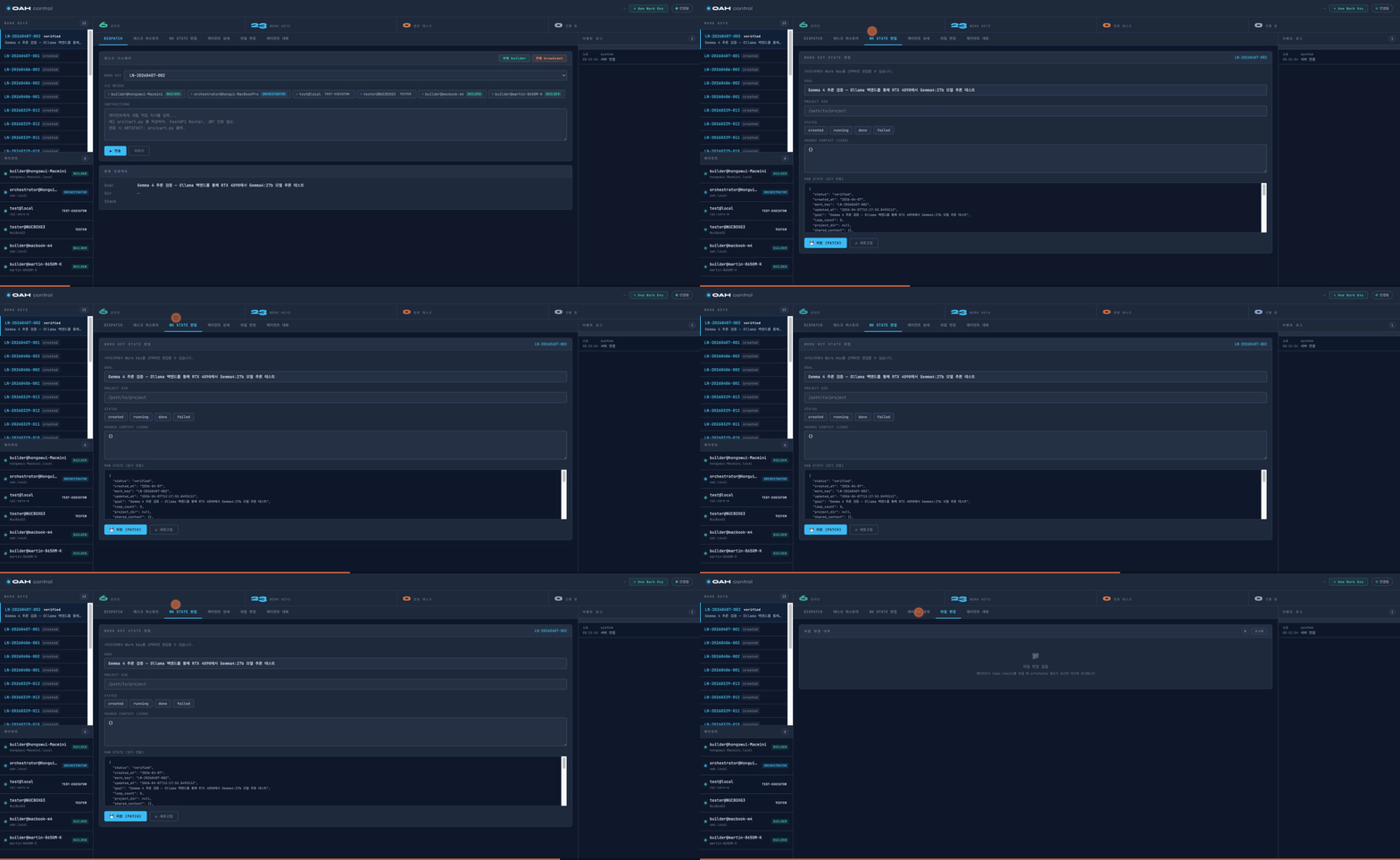
Measured
MacBookLinux · RTX 4090
From model install to serving on a GPU server in another room
SituationWork happened on a MacBook, but the RTX 4090 server was in another room.
With DureClawDownloading the model, running it and serving it as an API were all done inside Claude Code, without SSH.
19.9GBgemma4:31b installed
18models in operation
~19 tok/sgemma4:31b inference
Measured
Pi Zero WWindowsMac mini M4Mac mini IntelLinux GPU
Five very different machines respond as one team
SetupA palm-sized Raspberry Pi, a Windows mini PC in a bag, a Mac mini for iOS builds, an Intel Mac for cloud CLIs, and a 24/7 GPU server.
ResultA status check went out and all five responded at once.
5/5responded at once
0.61 stotal response
Source — README — the real team · agent test logs

Example scenario
MacBuilderTester
Analyze → fix → test → PR, split by role
IdeaAn example pipeline where an analysis node finds the cause, a builder fixes it, a tester verifies it, and a PR gets opened.
Key pointAttach nodes by role (builder, tester) and you can reuse the same flow across many repositories.
Source — examples/fix-agent
What you need
Here's the setup
Mac (command)Server app + Claude Code.
Build machinesInstaller on Windows, a one-line command on Linux.
GPU serverModel training and inference, 24/7 compute.
Role namesSplit work by builder · tester · executor.
Other audiences

Organizations
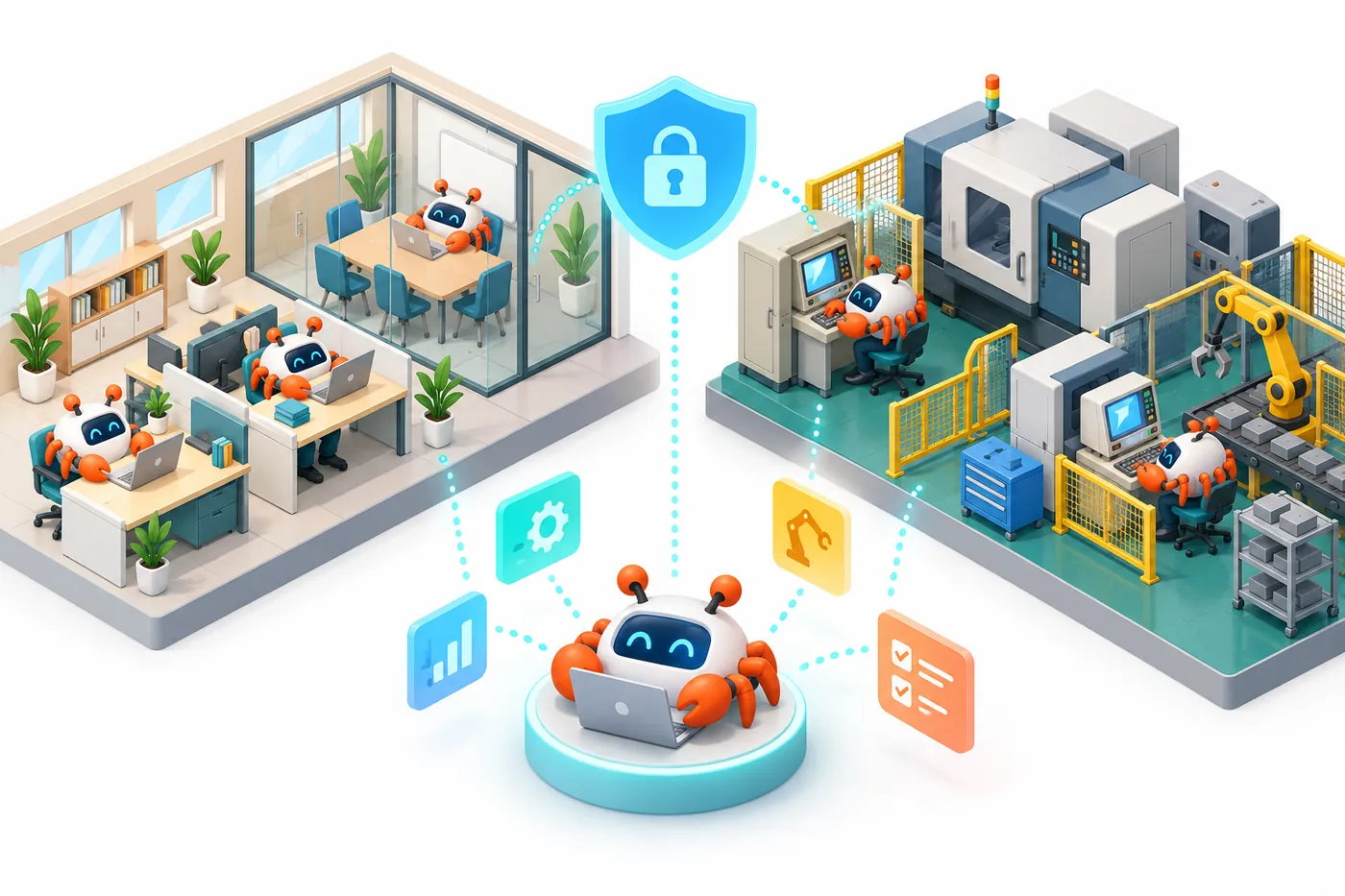
AI automation on the ERP, licensed PCs and internal network you already have
5/5remote Windows tasks succeeded with no extra setup
See the cases
IoT & Field
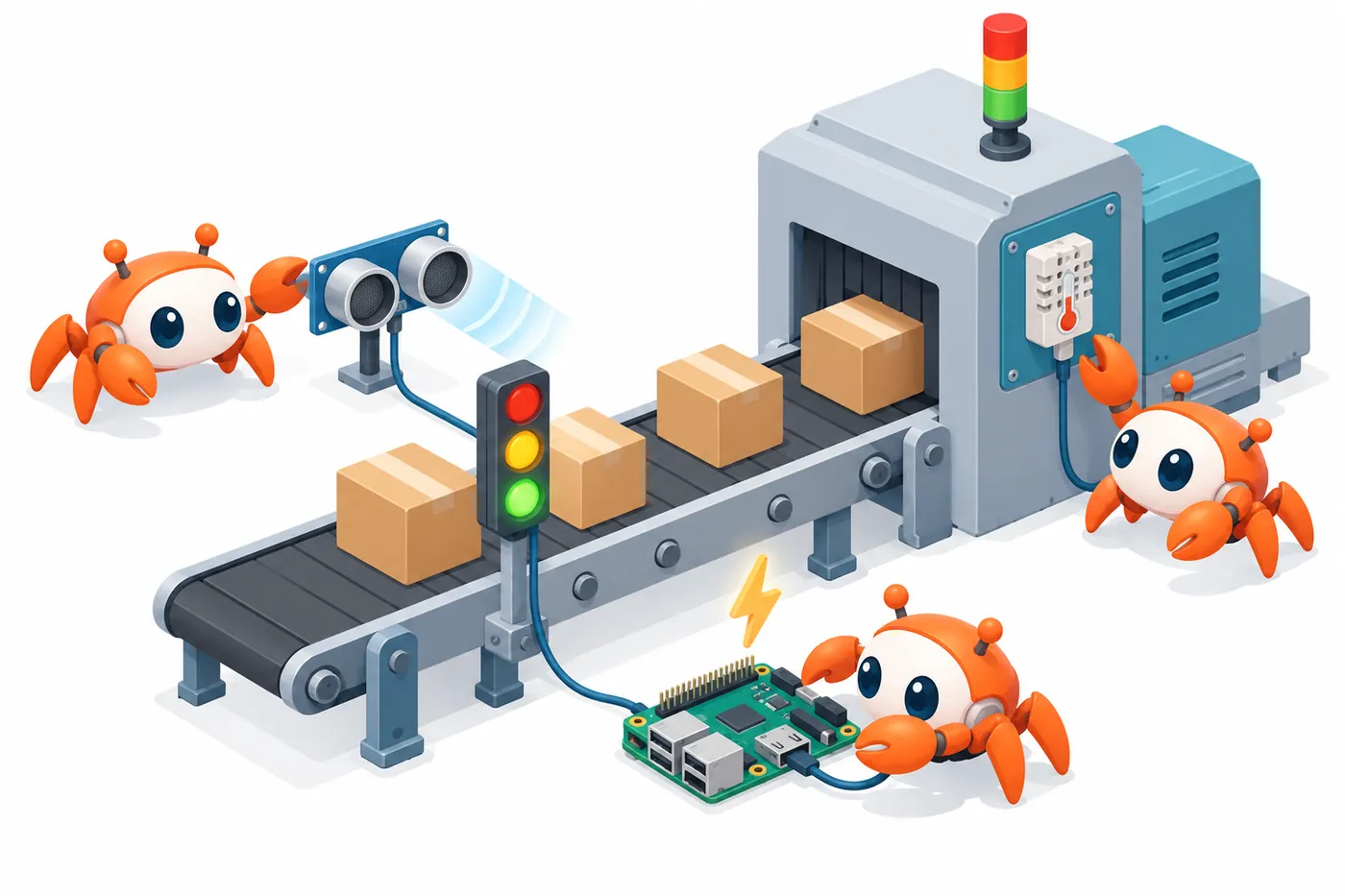
Instant decisions at sensors, traffic lights and production lines
36.7µsedge decision after freezing
See the cases
Research & Education
Measurement and comparison experiments, and preparing class materials
143,136×max speedup in edge decisions
See the casesStart today with a single Mac
Install the server app, then add your idle computers to the team one at a time.