v0.5.7 Available — Local-First Agent Infrastructure · Free Personal Edition

Turn All Your Machines
into a Single AI Team

Prompt Claude on your Mac. Connected machines distribute and execute tasks in parallel across your fleet.

DureClaw — Bringing the spirit of Dure (traditional cooperative labor) to AI agents

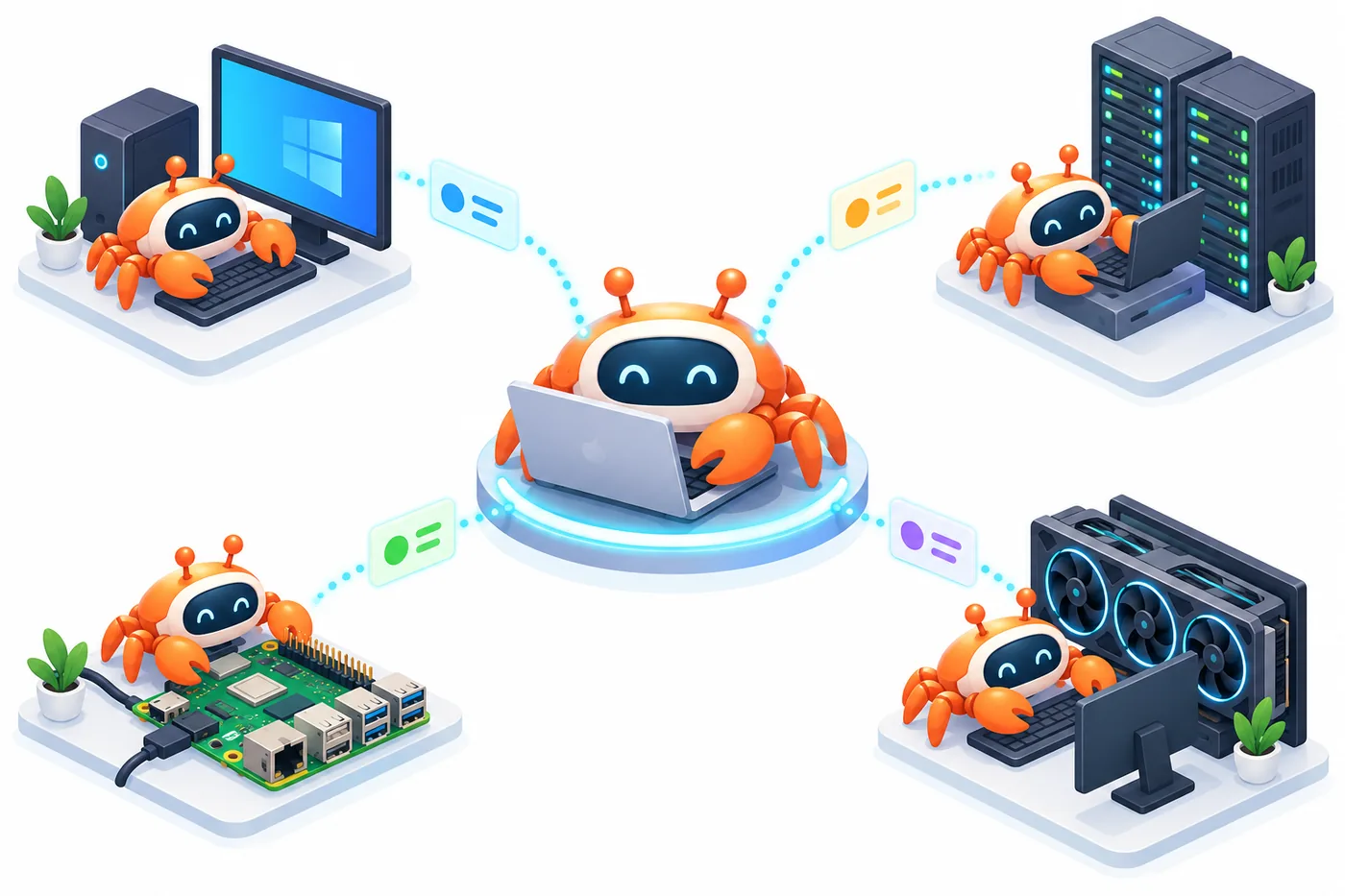
A central leader robot on a Mac delegating tasks to robots on Windows PCs, Linux servers, Raspberry Pis, and GPU workstations
Installation

One server to orchestrate, the rest as teammates

① BROWSER HAND · MAC OR WINDOWS
🧭DureClaw Browser 2nd gen

Chromium, webclaw, and MCP in one installer. Every MCP agent can then drive this browser without limits. macOS uses a dedicated profile; Windows imports your existing Chrome logins.

Browser for Mac Apple Silicon .dmg Browser for Windows imports Chrome logins .exe

Bus server: Windows · Mac · setup guide

② Teammate · Windows
🪟Node-Only Setup

For dedicated Windows worker PCs joining an existing server. Leaving the address blank enables auto-discovery, with automatic reconnect on login.

Install Node for Windows DureClaw-Agent-Setup v0.5.7
② Teammate · Linux · Raspberry Pi · macOS
🐧One-Line Terminal Command

Paste this command into your terminal. Retrieve your server address from "Copy Node Connection URL" inside the server app.

PHOENIX=ws://SERVER_IP:4000 bash <(curl -fsSL https://dureclaw.baryon.ai/agent)

Free Personal Edition — Up to 2 machines (server included) for solo developers, bundling dureclaw, webclaw, deskclaw, and remote MCP (SSE). 📱 Connect Orca Mobile to monitor and control PC workflows directly from your smartphone. For 3+ parallel machines or team deployments: Compare Enterprise Features →

Prefer the command line? Deploy the Mac server in one line — bash <(curl -fsSL https://dureclaw.baryon.ai/install) · Detailed OS Installation Guides →

Just want browser automation first? — Install webclaw + MCP on macOS or Windows in five minutes: Setup wizard →

What you see after installing
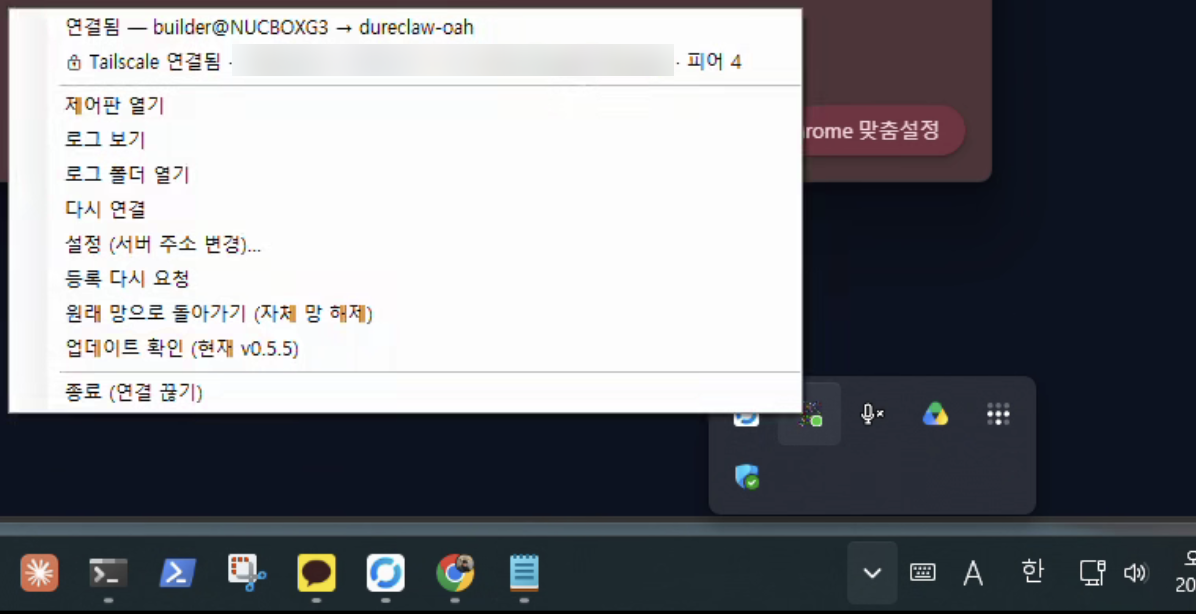
Windows node tray menu — connected, private network status, open control panel, view logs, re-register, check for updates (current v0.5.7)
Windows node tray — After install, an icon appears in the taskbar and the node reconnects at every sign-in. The menu shows connection status, logs, re-registration and updates. (addresses blurred)
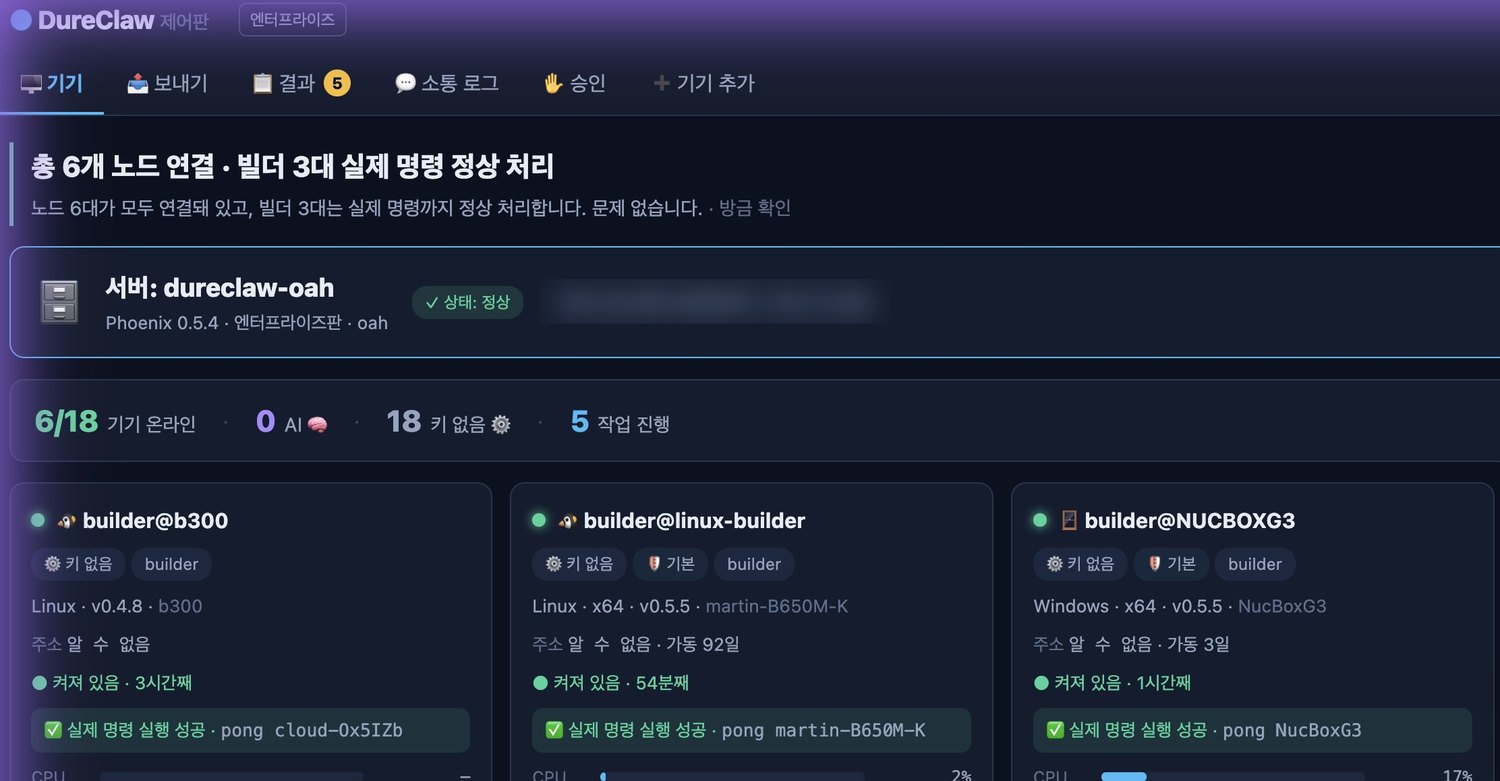
Server control panel devices view — 6 nodes connected, 3 builders ran a real command successfully
Server control panel · connection status — Open the server address to see every connected node and its version. Press “Check response” to confirm each node actually runs a command. (Panel UI is in Korean.)
What is DureClaw?

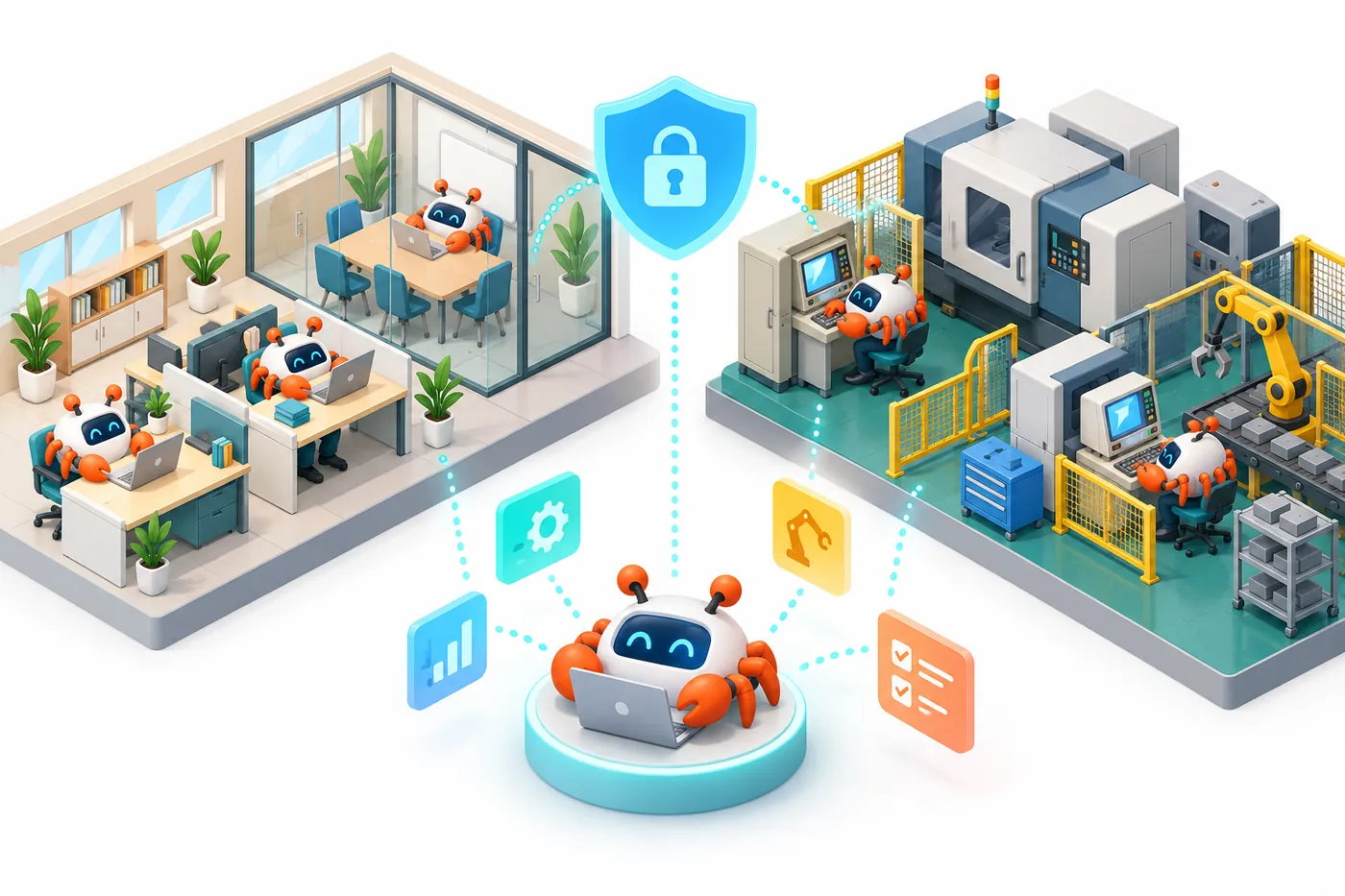
Unite multiple computers into a cohesive team.
Divided into three simple roles.

the brain

🧠 The Brain

Claude Code running on your primary Mac or workstation. Reasons through complex tasks and plans execution across nodes.

the hands

🤲 The Hands

Lightweight edge agents installed on each machine. Execute assigned tasks locally and stream results back.

the bus

🚌 The Bus

The server application running on your primary host. Bridges the brain and execution hands in real time.

Autonomous Execution Nodes

Browsers and Desktops Join the Crew

Beyond shell commands, your AI crew gains two specialized execution hands: webclaw automates browser interactions directly in your active session, while deskclaw controls GUI applications without APIs.

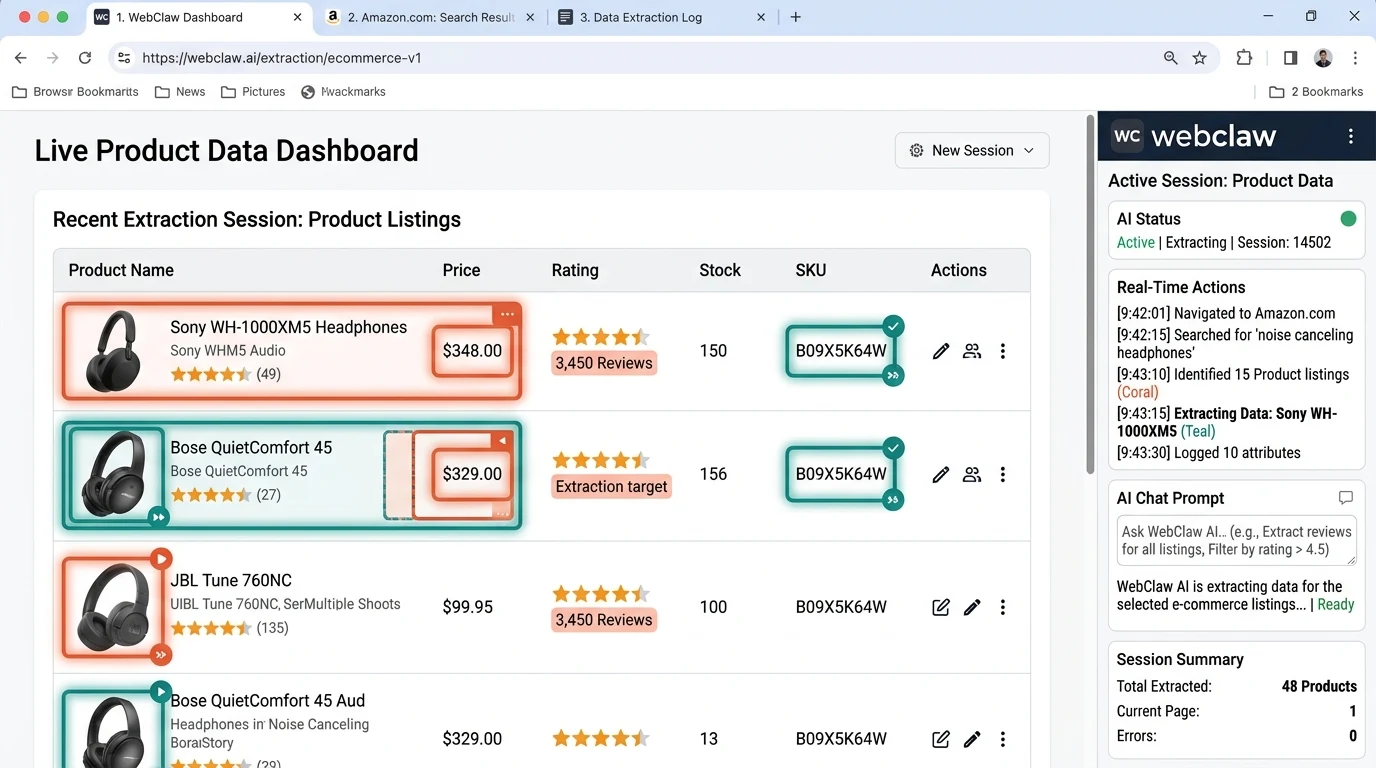
webclaw AI Chrome side panel UI inspecting, extracting, and automating webpage elements in real time

webclaw Browser Hand

Chrome Extension

Automate web tasks using your active Chrome profile with existing logins preserved.

  • Preserves Active LoginsRead pages, click buttons, fill forms, and download files without exposing passwords or copying session cookies.
  • Every agent + MCP, unlimitedClaude Code, Claude Desktop, Cursor, Codex, OpenCode, and Orca Mobile automate the same browser with no per-run limits.
  • Per-Tab Contextual ChatInteract with any active browser tab via the Chrome side panel to delegate live tasks conversationally.
  • Human-in-the-Loop SafetyConfigure domain blocklists and approval thresholds. High-risk actions like payments or deletions require explicit one-click confirmation, while credentials never touch logs.
  • Multi-Browser Fleet CoordinationChrome extensions across multiple machines connect to the bus simultaneously, dispatching concurrent tasks with a single command.
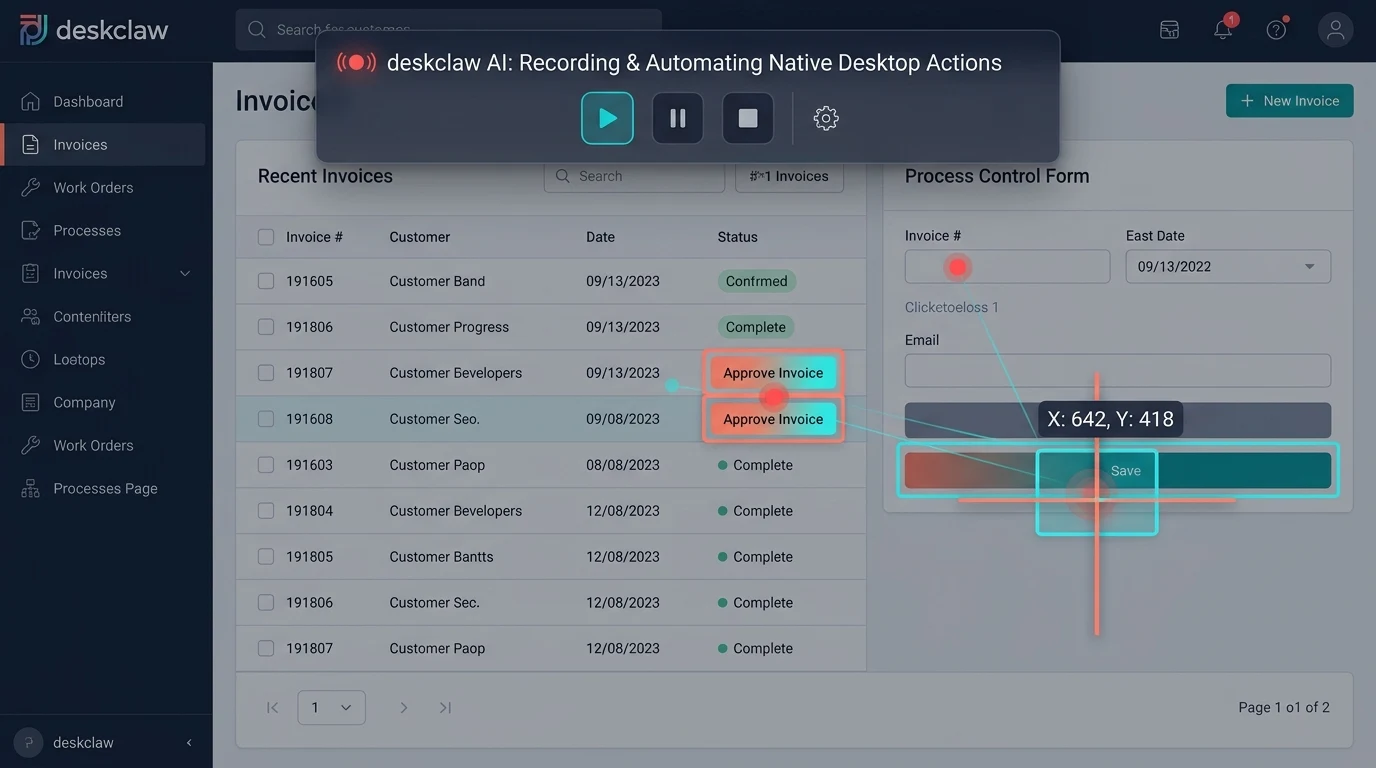
deskclaw AI floating toolbar perceiving screen coordinates and UI elements to automate mouse clicks and keyboard input over native desktop apps

deskclaw Desktop Hand

Windows · macOS

Sees the screen, clicks, and types. Automate legacy software and tools without public APIs.

  • Vision-Guided OS InteractionTakes screenshots, clicks coordinates, types keystrokes, triggers shortcuts, and launches applications just like a human operator.
  • Record Once, Replay InfinitelyReplays recorded interaction flows deterministically without making redundant LLM API calls.
  • Automates API-less WorkflowsOperate legacy industrial MES, enterprise ERPs, and internal proprietary software with visual-only interfaces.
  • Zero-Dependency Lightweight BinaryLeverages native OS APIs with zero runtime dependencies or external framework installations required.
Open Edge Ecosystem

Extensible Claw Integrations for Embedded & Edge Devices

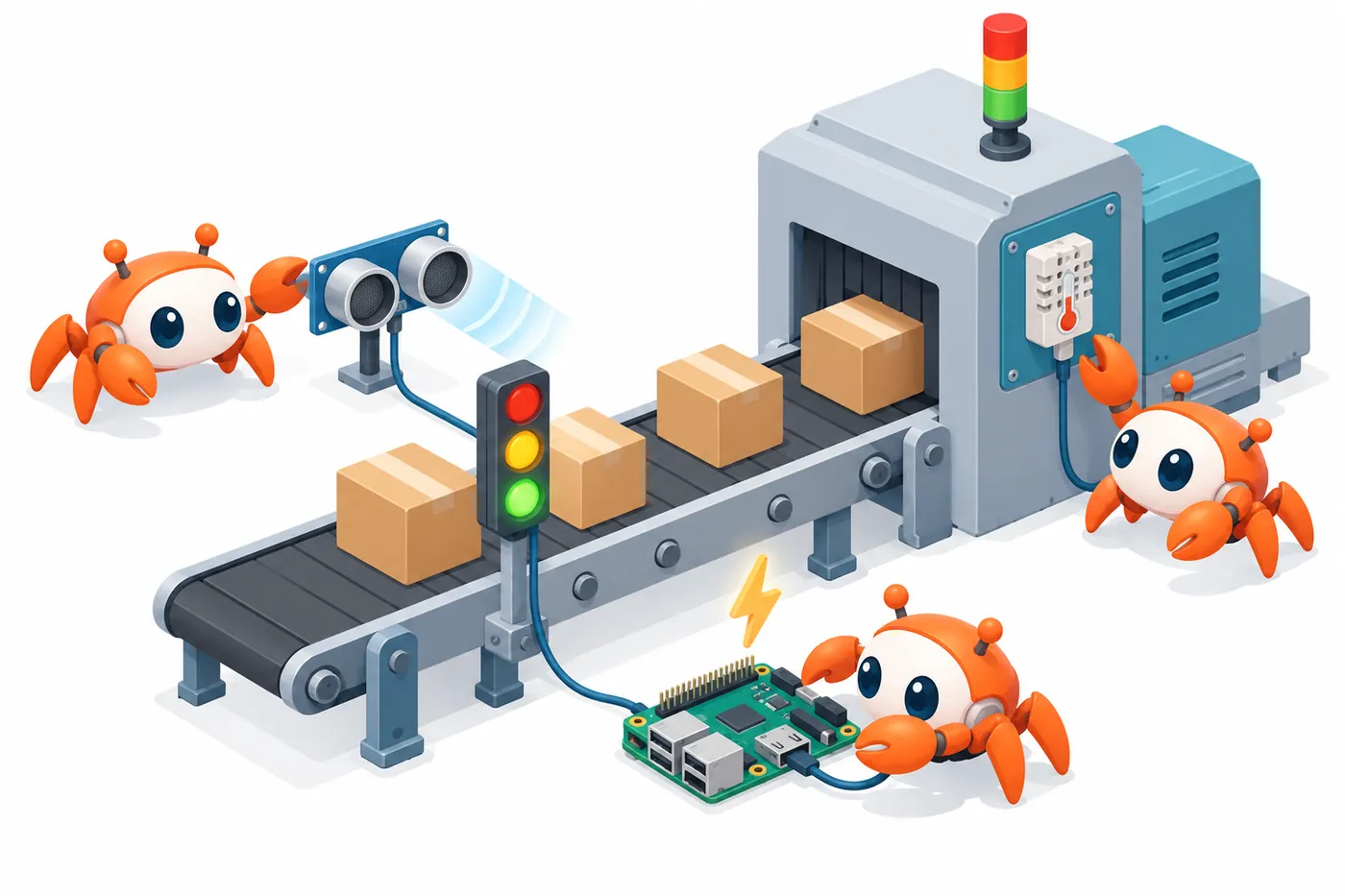
Beyond webclaw and deskclaw, DureClaw seamlessly integrates with open-source edge agents written in diverse languages. From Raspberry Pis and IoT development boards to factory edge gateways, single-binary agents act as autonomous field hands executing directives from the master AI.

edgeclaw icon edgeclaw
Go DureClaw Native
Official Native Edge Agent

The DureClaw-native edge agent — one static Go binary, every OS/CPU. Bus-first, keyless LLM, local hands.

  • Single static Go binary with zero external runtime dependencies (ARM, x86, MIPS)
  • No API keys stored on edge devices (Keyless LLM architecture with isolated master brain)
  • Persistent, ultra-low-latency WebSocket channel connected to the central DureClaw bus
zeroclaw icon zeroclaw
Rust 🦀 5.0k ★
Hyper-Fast Autonomous Assistant Infrastructure

Fast, small, and fully autonomous AI personal assistant infrastructure, any OS, any platform — deploy anywhere, swap anything.

  • Rust memory safety guarantees and extreme low-latency execution
  • Optimized for strictly resource-constrained industrial embedded Linux boards
  • Modular architecture for instantaneous hot-swapping of tools and environments
nullclaw icon nullclaw
Zig 945 ★
Ultra-Minimal Autonomous Agent Infrastructure

Fastest, smallest, and fully autonomous AI assistant infrastructure written in Zig.

  • Ultra-compact Zig-native binary with zero C/C++ libc dependencies
  • Guaranteed sub-megabyte minimal memory footprint
  • Tailored for micro-embedded systems and bare-metal edge deployments
picoclaw icon picoclaw
Go Micro Agent
Ultra-Compact Rapid-Deployment Agent

Tiny, Fast, and Deployable anywhere — automate the mundane, unleash your creativity.

  • Compact Go binary under 10MB — downloads in seconds, executes instantly
  • Optimized for repetitive telemetry collection, continuous monitoring, and quick task delegation
  • Built-in Store & Forward recovery during intermittent network partitions
nanobot icon nanobot
Python 8.7k ★
Lightweight Tool & Workflow Agent

Lightweight, open-source AI agent for your tools, chats, and workflows.

  • Direct plug-and-play integration with rich Python libraries and local data processing scripts
  • Composable multi-step workflows bridging chats, toolkits, and automation
  • Real-time telemetry pipeline bridging LLM inference results and physical edge sensors
Remote MCP · Orca Mobile Integration

Speak from your phone.
Your PCs act instantly.

With native Remote MCP (Server-Sent Events) standards support, control your home and office Windows/Mac workstations with natural language directly from your smartphone via Orca Mobile — wherever you are.

  • Natural Voice & Text Prompts from MobileSpeak naturally from your phone: “Summarize today’s meetings on my office PC,” or “Show me a live screenshot of my Windows workstation.”
  • Native Remote MCP (SSE) StandardAn embedded Server-Sent Events Remote MCP server runs on port 4001, providing secure direct communication from anywhere without third-party relay servers.
  • Push Notifications & Real-Time Approval LoopsWhen webclaw executes checkouts or submissions, or deskclaw performs critical UI actions, instant push notifications arrive on your phone for one-tap verification.
Remote MCP & Bus Protocol Specifications →
📱 ORCA MOBILE ↔ REMOTE MCP (SSE)
User (Smartphone)
“Enter this week’s purchase orders into the ERP on my office PC and send me the Excel summary.”
↓ Remote MCP (/sse)
DureClaw Windows PC (1 Server + 1 Node)
✅ deskclaw automatically completed ERP purchase order entry
📊 Excel summary generated (Push notification received in real time)
Get Started

Assemble Your Fleet in 3 Steps

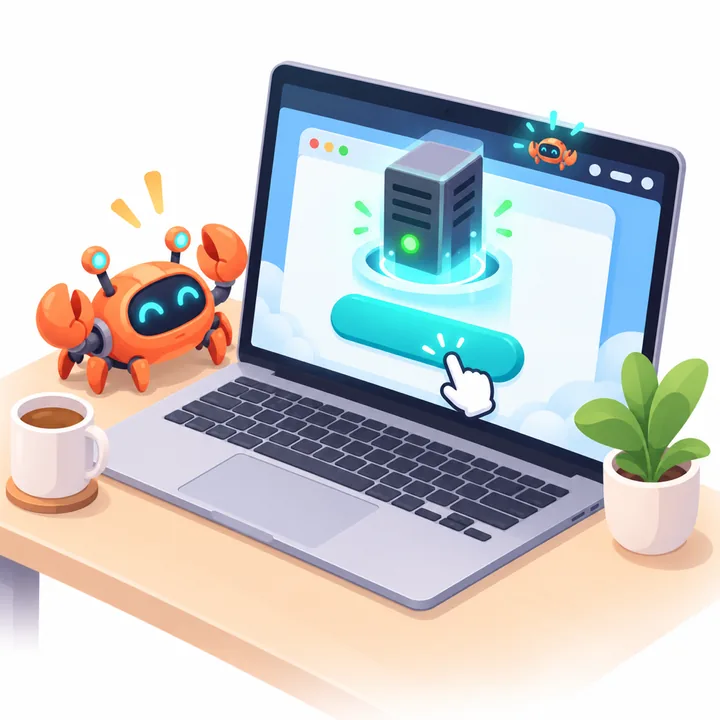
Illustration of launching the server app on a Mac with a single click

Install Server App on Mac

Download and launch the application. Once the icon appears in your menu bar, your coordination bus is live.

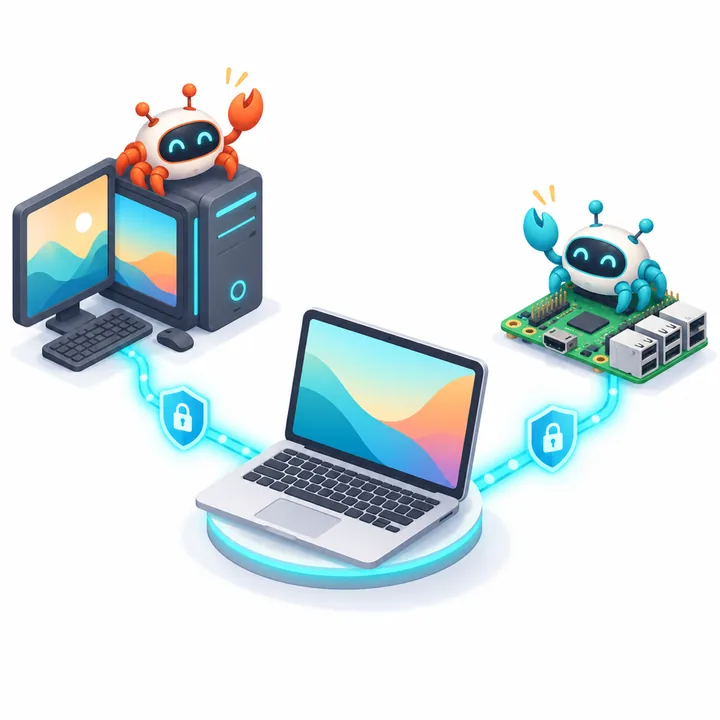
Illustration of a Windows PC and Raspberry Pi securely connected with encrypted lines

Connect Your Other Machines

Run the installer on Windows, or a single-line command on Linux and Raspberry Pi. Within your mesh network (Tailscale or Headscale), nodes are keylessly auto-admitted.

Tailscale Tailscale Headscale Headscale
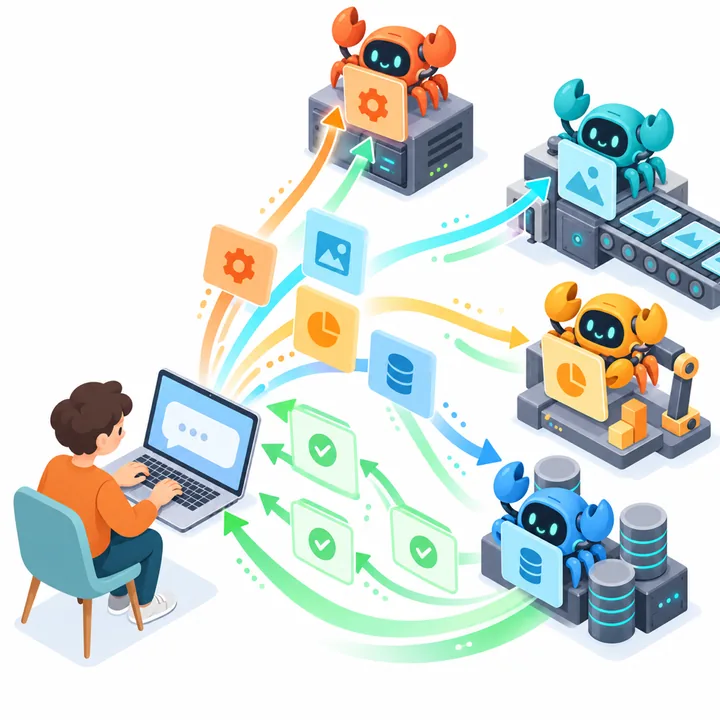
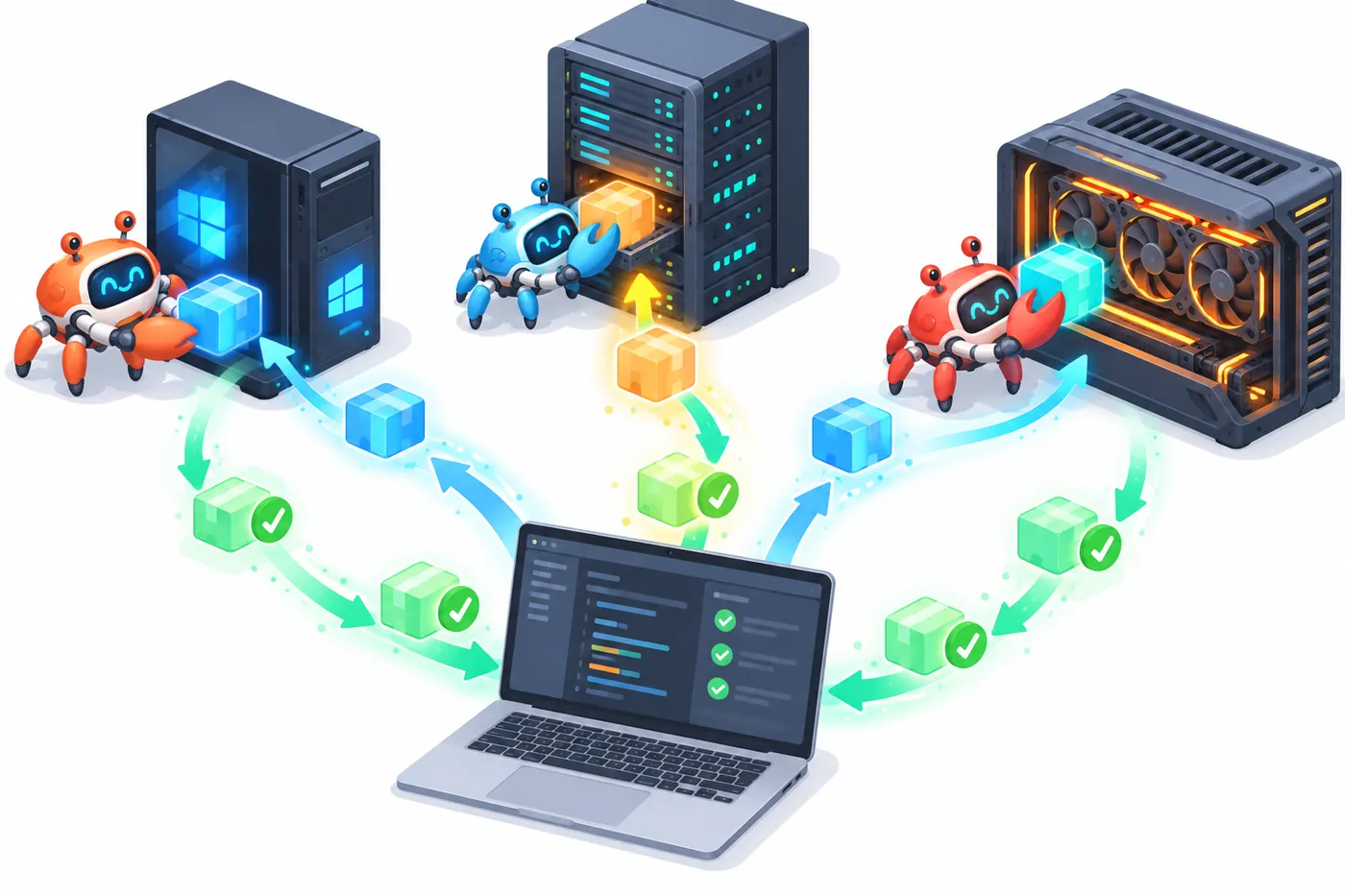
Illustration of typing a prompt on a laptop, dispatching task cards across machines, and receiving completed results

Prompt Claude (or Any Master AI)

“Build on Windows and run end-to-end integration tests on the Raspberry Pi.” Work distribution, execution, and aggregation happen autonomously.

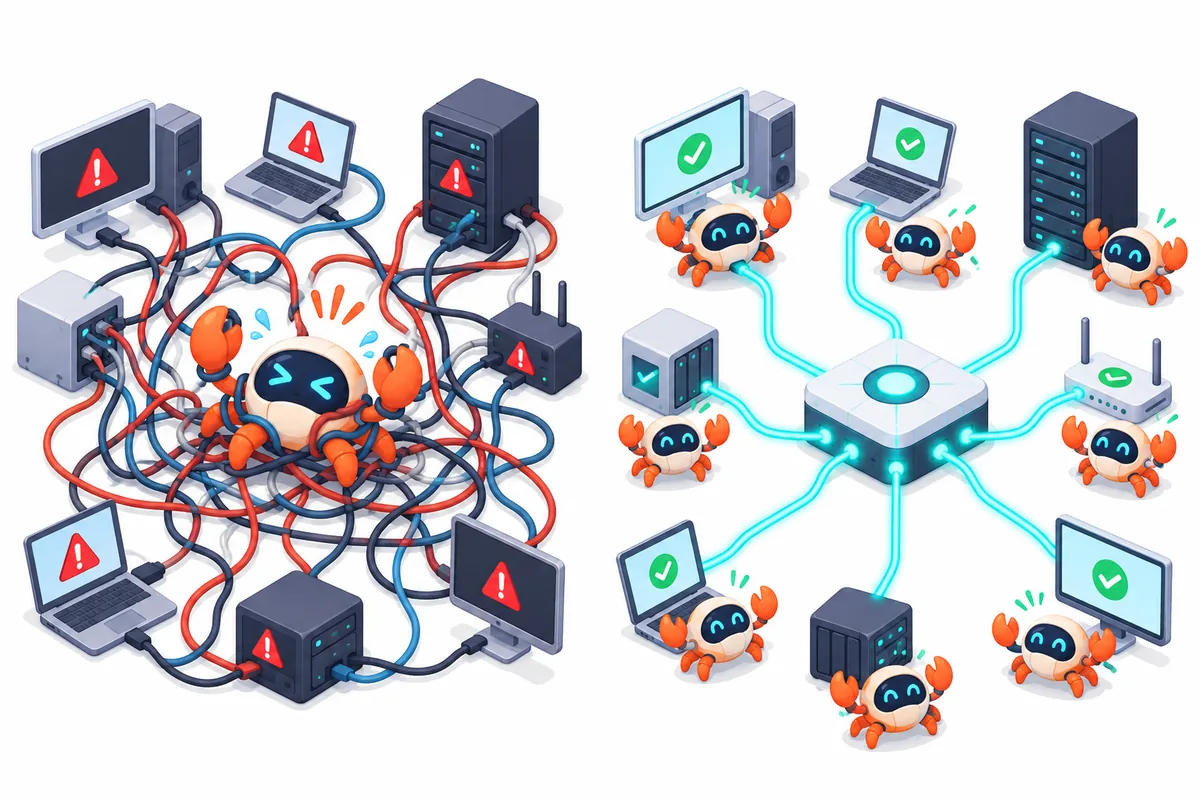
Illustration contrasting tangled cables and security warnings with robots cleanly connected via a unified bus
Why Not Traditional SSH?

Stop logging in manually.
Start delegating across your fleet.

While SSH requires establishing fragile inbound remote shells, DureClaw dispatches tasks asynchronously across heterogeneous machines via an outbound agentic bus.

  • Zero Open Inbound PortsWorker nodes initiate outbound WebSocket connections — zero port forwarding, DMZs, or static public IPs required.
  • Uniform Multi-OS AbstractionDispatch uniform commands and receive structured JSON results across Windows, Linux, macOS, and micro-embedded devices without OS friction.
  • Parallel Fleet ExecutionDistribute concurrent jobs across dozens of machines simultaneously from a single master prompt.
View Benchmark Comparison →
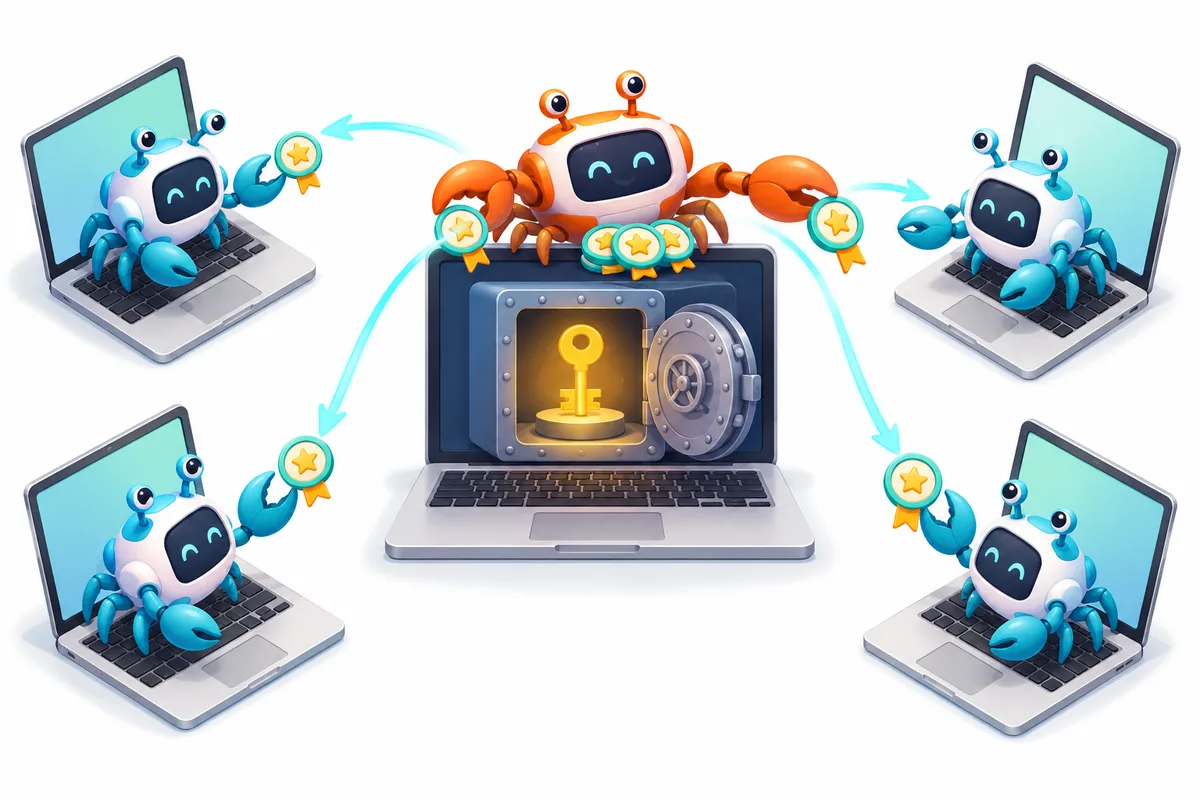
Illustration of the master API key kept secure in a vault while worker robots receive isolated badges
Enterprise-Grade Security

Secret Keys Stay Safe
in a Single Vault

Never distribute production API keys or credentials to worker nodes. DureClaw issues revocable, least-privilege tokens per device.

  • Per-Device Admission TokensWhen a node requests to join, an isolated token is provisioned. Revoke individual access instantly without rotating cluster-wide secrets.
  • Automated Tailnet AdmissionNodes on your private mesh network (Tailscale or Headscale) authenticate zero-touch; unexpected external connections require explicit operator approval. Tailscale Tailscale Headscale Headscale
  • Single-Directional DispatchEdge worker nodes only execute assigned work and report telemetry back. They cannot orchestrate other nodes, preventing lateral privilege escalation.
Explore Keyless Architecture →
Enterprise Inquiries & Updates

Enterprise Inquiries and Release Updates

Talk to us about Enterprise (3+ machines, team use) and get new-release updates by email. Tell us what you want your fleet to do — it helps us prepare your consultation.

Target Environments

Start with a Single Mac Today

Launch the server app in seconds, then connect your idle machines one by one to build your autonomous fleet.