Use Cases
Organizations, developers, IoT and the field, research and education — how DureClaw has actually been used for each, with the evidence.

AI automation on the ERP, licensed PCs and internal network you already have
5/5remote Windows tasks succeeded with no extra setup
See the cases
Direct Windows, Linux and GPU servers from a single Mac
0.61 sfor 5 devices to respond at once
See the cases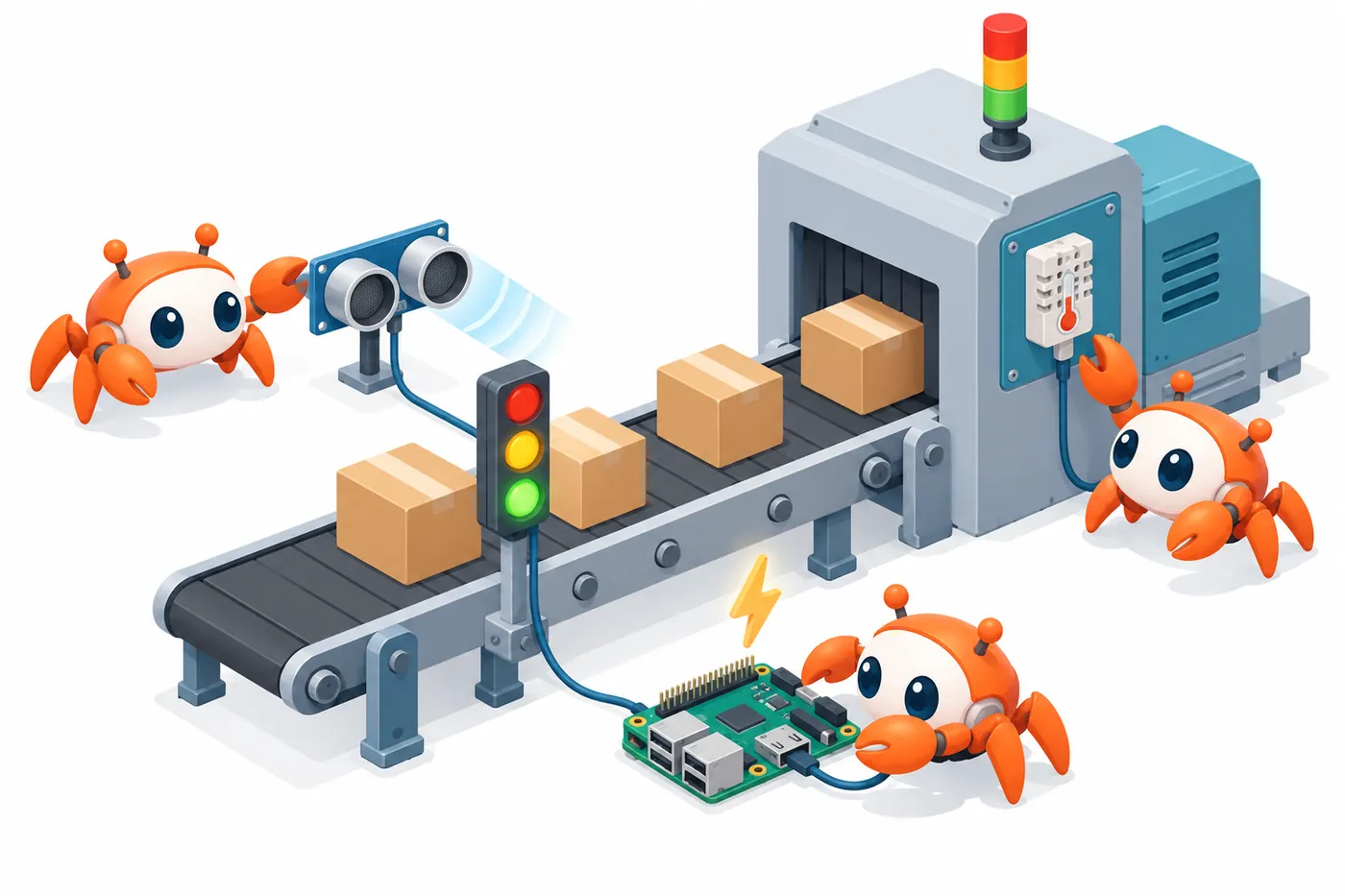
Instant decisions at sensors, traffic lights and production lines
36.7µsedge decision after freezing
See the cases
Measurement and comparison experiments, and preparing class materials
143,136×max speedup in edge decisions
See the casesDureClaw at a glance
How scattered computers and browsers become one team — real uses, illustrated.

You work alone, your computers work as a team
Even if you build an app on your own, the computers scattered across home, studio and lab move like one team. Tell Claude Code once, and DureClaw splits the work, sends it to each computer, and gathers the results in one place.
- Split — Give one instruction: "Windows build, Linux backend tests, Raspberry Pi device tests, GPU model processing"
- Run in parallel — Each computer connects securely over a private network (Tailscale, etc.) and works at the same time
- Gather results — Completion marks arrive one by one on a single screen. You use the equipment you already have

Chrome on many PCs as one e-commerce operations team
E-commerce operations pile up repetitive work on every channel. Install the DureClaw extension (webclaw) in Chrome on each PC, and browsers that are already signed in take on each channel's work at the same time.
- Your PCs as they are — Use the PCs and signed-in Chrome you already have
- Split by channel — Own-store product management, marketplace orders and shipping, inventory checks, global store pricing and ad performance, each on its own PC
- Results at a glance — Order, inventory, product and ad results come together on one screen
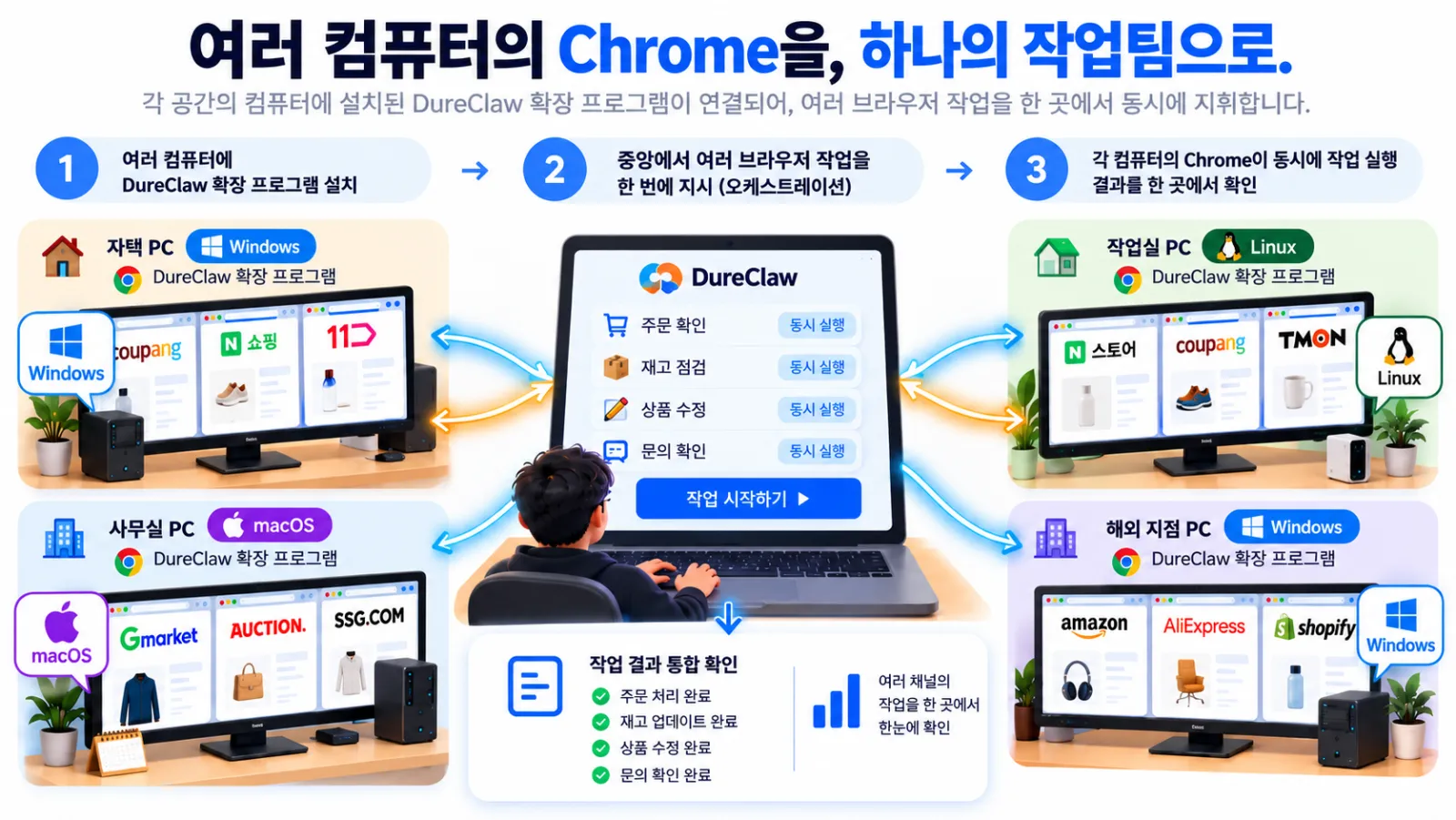
Chrome on many computers as one work team — in 3 steps
Different operating systems don't matter. Windows, macOS or Linux — anywhere with Chrome joins the same team.
- Install — Install the DureClaw extension in Chrome on each computer
- Instruct — From the center, give one instruction: "check orders, check inventory, edit products, check inquiries"
- Review — See the results each Chrome ran at the same time, in one place
Only numbers we measured ourselves
We don't hide the level of evidence
Cases with figures measured and recorded in a real environment. The source report states the measurement method and its limits.
Cases actually carried out, with screenshots and outputs on record, but without separately measured comparison figures.
An illustration of a flow you can build with today's features. No performance figures attached.
Start today with a single Mac
Install the server app, then add your idle computers to the team one at a time.