← Use Cases

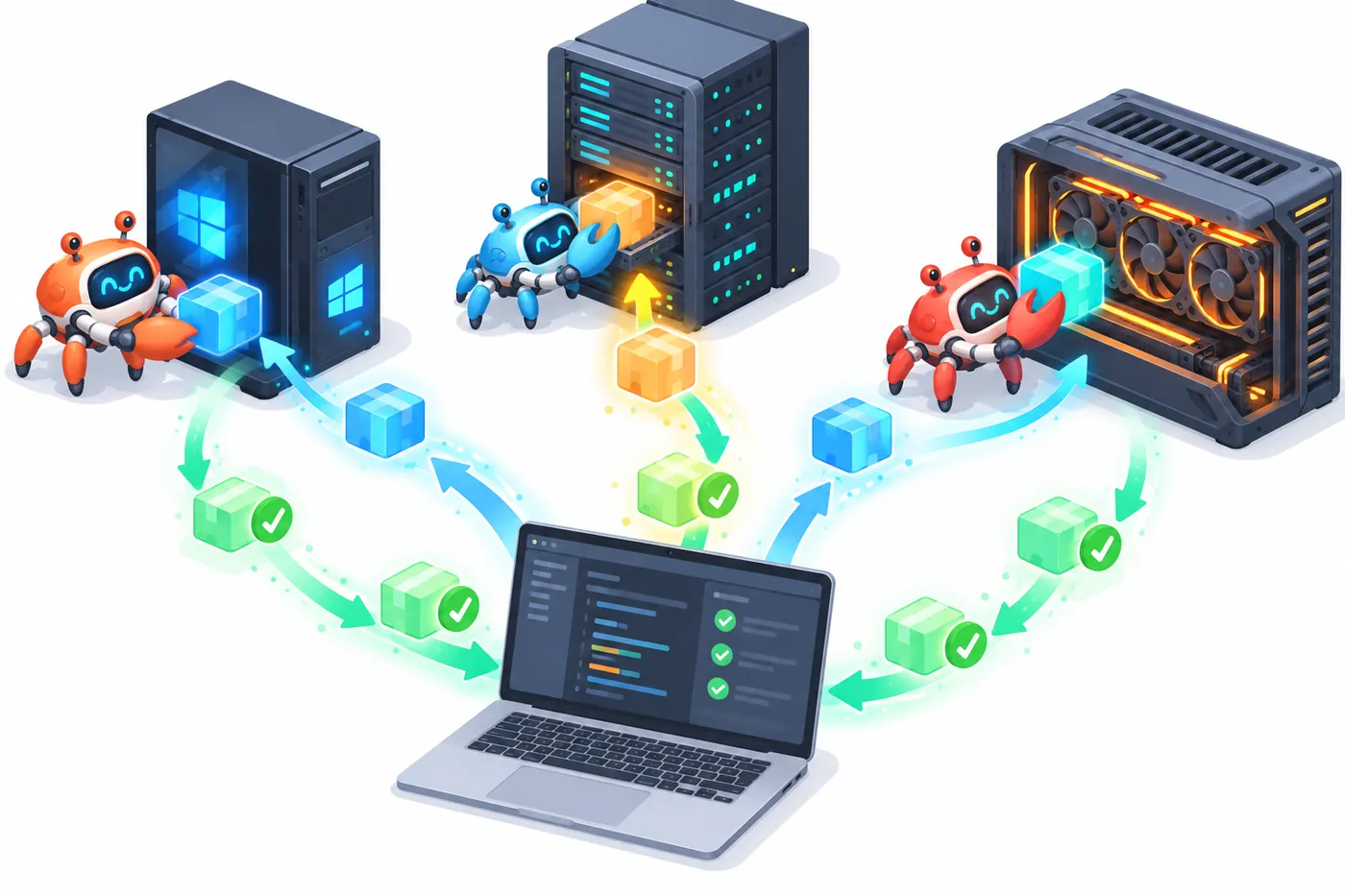
Many computers share
experiments and class prep

Measurements stay on record, and results reviewed by several nodes become reusable knowledge once a person adopts them.

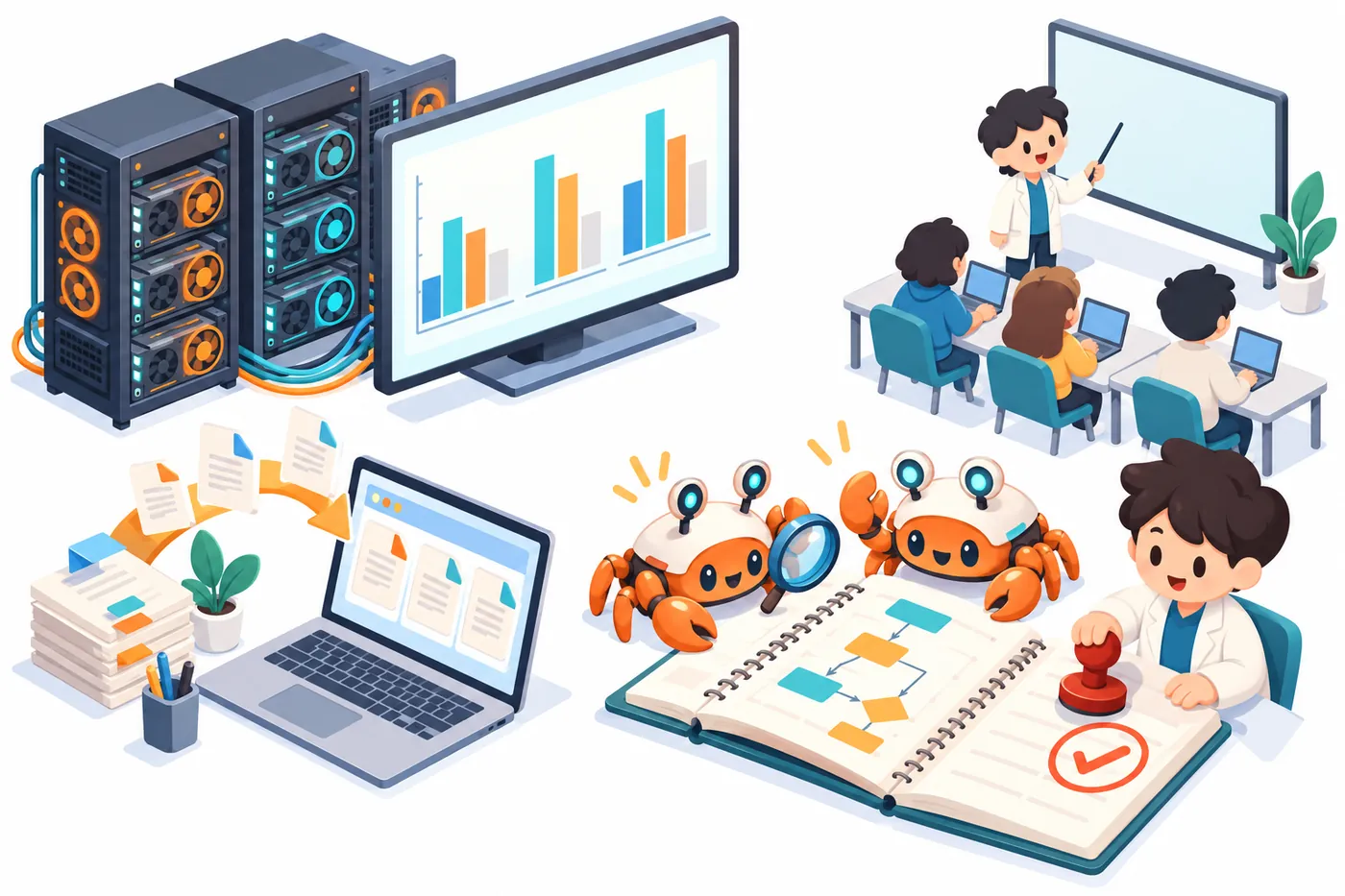
A lab comparing models on a GPU server, collecting assignments, and reviewing and approving playbooks
Research & Education

If this sounds familiar

  • Your lab equipment is scatteredYou move between a GPU server, measurement gear and your own laptop, collecting results by hand.
  • Repeating comparison experiments is tediousEvery time you change a model or setting, you run the same procedure again.
  • Organizing class materials is busyworkPulling assignments from the learning management system (LMS) and sorting them takes time.
Cases

How it was actually used

Badges show the level of evidence — Measured Real case Example scenario

Measured
Raspberry Pi Zero WMac

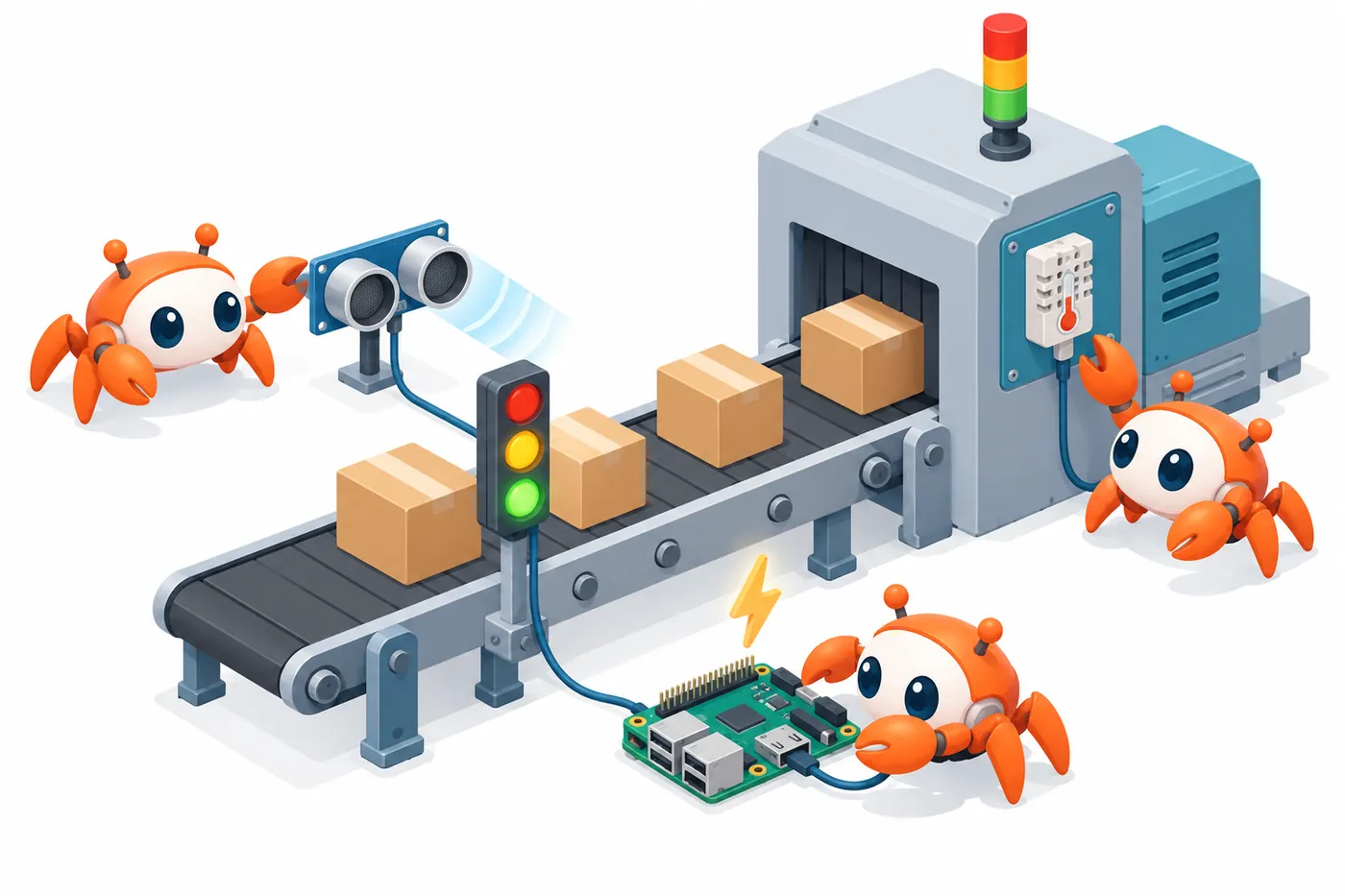
Measuring speed when an AI decision is frozen into a device rule

ExperimentAsking the AI for the same decision every time was compared, over 3 runs, with freezing a once-set rule on the device.
ResultThe threshold calibration cost (about 6 s) is paid only on the first run and is zero after that. Accuracy is identical.
26,193×Run 1 (incl. calibration)
111,877×Run 2
143,136×Run 3

Source — Edge brain traffic-light field report — processing speed improvement log
Real case
Several nodesHuman (adoption)

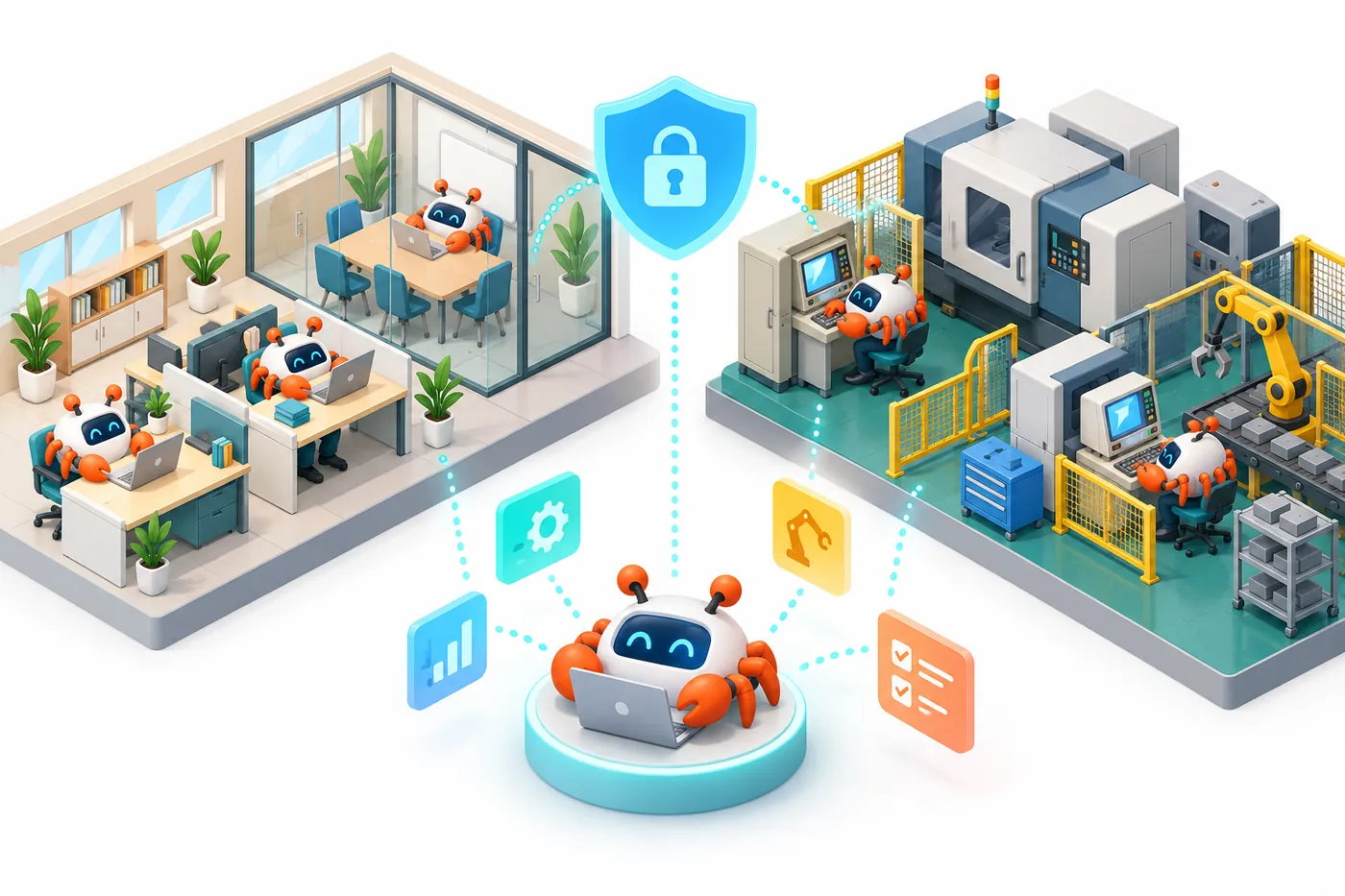
Process knowledge reviewed by several nodes and adopted by a person

ProcessFor a scratch defect on the shop floor, one node drafted the cause and fix, two peer nodes reviewed it (agreement 0.6), and then a person adopted it.
ResultThe adopted content was saved as a playbook you can reuse without re-inference (SKILL.md), recorded together with its provenance (work key, evaluation ID, adopter, timestamp).
2 votespeer review
0.6agreement
1human adoption

Source — learned factory playbook SKILL.md

Measured
Linux · RTX 4090

Comparing local large-model speeds in one place

SituationSeveral models were installed remotely on a GPU server, and their inference speeds were compared in the same environment.
ResultPer-model speeds were recorded so you can choose by use case.
~49gemma3:27b tok/s
~22qwen3-coder tok/s
~20deepseek-r1 tok/s
~19gemma4:31b tok/s

Source — README — real-world remote GPU server operation

Real case
Browser node (webclaw)

Pulling 12 assignments from a university LMS and sorting them by student

Situation12 submissions for grading had to be downloaded from the learning management system and organized.
With DureClawA signed-in browser node read the actual links, downloaded the files, and even checked file sizes and folder structure.

Recorded limitation: for a "single browser" job like this alone, other browser tools were smoother. The advantage appears when you chain on work on other computers afterwards, such as GPU grading or building a grade sheet.

Source — Browser agent comparison document

Example scenario
BrowserGPU serverWindows

Collect assignments → GPU plagiarism check → build grade sheet

IdeaA browser node receives the submissions, the GPU server runs plagiarism and anomaly detection, and Windows builds an Excel grade sheet.
Key pointA flow that links three different computers with a single instruction. No measured figures yet.

Source — Browser agent comparison document — when to use what

What you need

Here's the setup

Mac (command)Claude Code + server app.
GPU serverModel experiments and comparisons, 24/7 compute.
Measurement gearEdge boards such as Raspberry Pi.
Browser nodeWork in signed-in web services (webclaw).

Installation guide by platform →

Start today with a single Mac

Install the server app, then add your idle computers to the team one at a time.